
Summary: Once you have your process developed and are ready to execute the code in the Test Environment, you will need to publish and promote the code to the QA orchestrator. To do this, follow the below steps.
1. Promote the code through UiPath Studio.
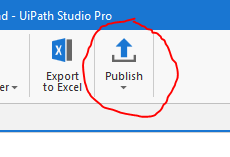
Note: Ensure you are promoting the code to "Orchestrator Tenant Processes Feed"
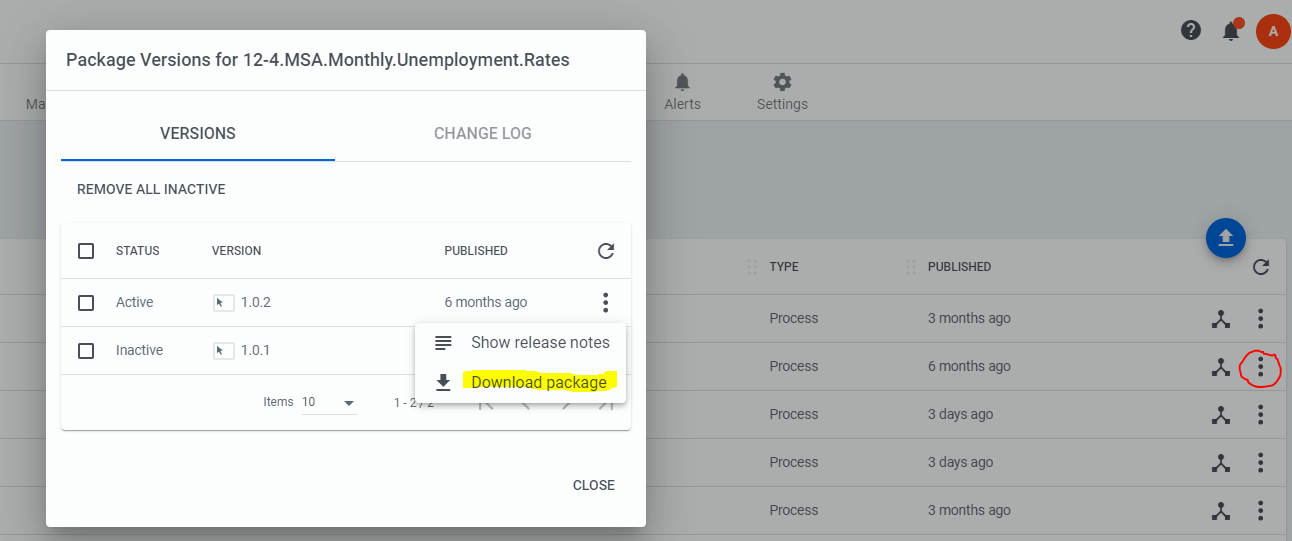
2. Log into the Development Orchestrator. Navigate to Tenant -> Packages. Find your package and download it by selecting the 3 dots next to the package, and downloading.
3. Login to QA Orchestrator
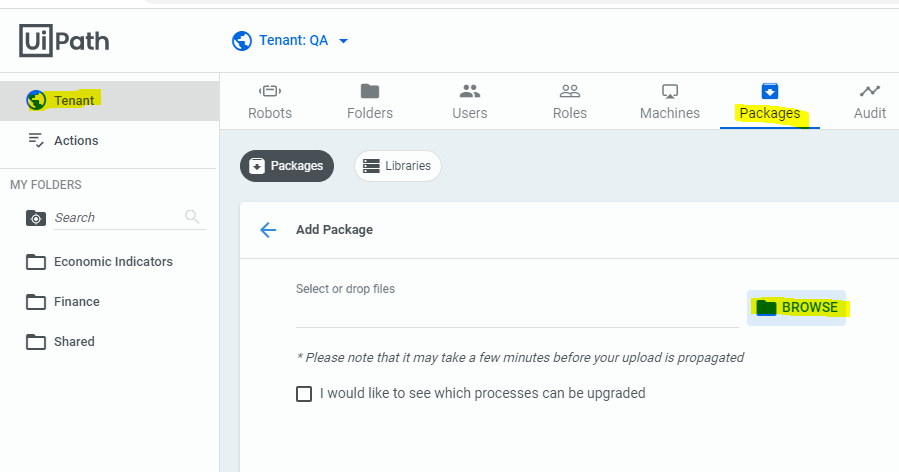
4. Go to Tenant -> Packages -> Browse and select your package.
5. Go to automations and upgrade to latest package, or create automation to associate the package if it doesn’t yet exist.
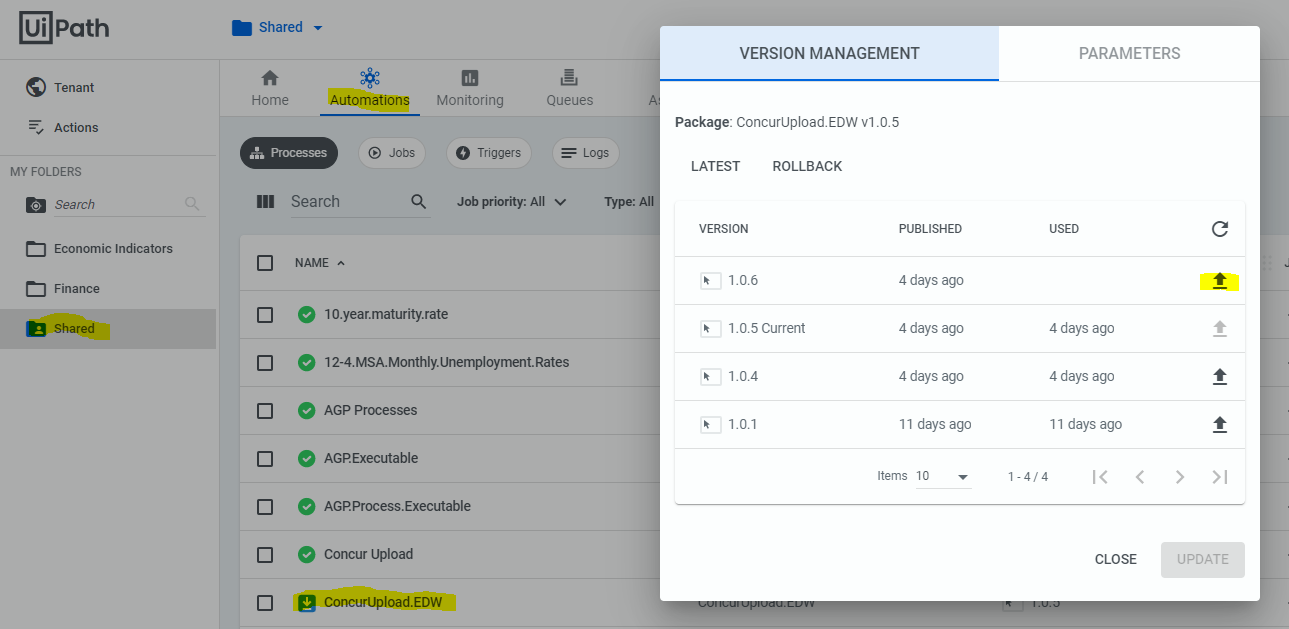
The updated code should now be active in QA to be executed.
Comments
0 comments
Please sign in to leave a comment.